Цю сторінку ще не перекладено, тому ви читаєте англійську версію.
For managers: set up once, then run the day
Connect calendars, add your team and checklists, then work from one screen. Readyby creates the cleanings; you handle the exceptions.
Setting up takes an afternoon. After that, most days you open Today, glance at what is flagged and get on with something else.
1. Add apartments and connect their calendars
For each apartment, paste the calendar export link (iCal) from Airbnb, Booking.com, Vrbo or your channel manager. If you already keep a spreadsheet of apartments, Import reads it in one go.
Readyby checks every link every 15 minutes. Each guest change becomes a cleaning: the window runs from one guest's check-out to the next guest's check-in, and a same-day check-in is flagged. From the booking we keep only the dates, the number of guests and where it came from. Guest names, emails and phone numbers are never stored.
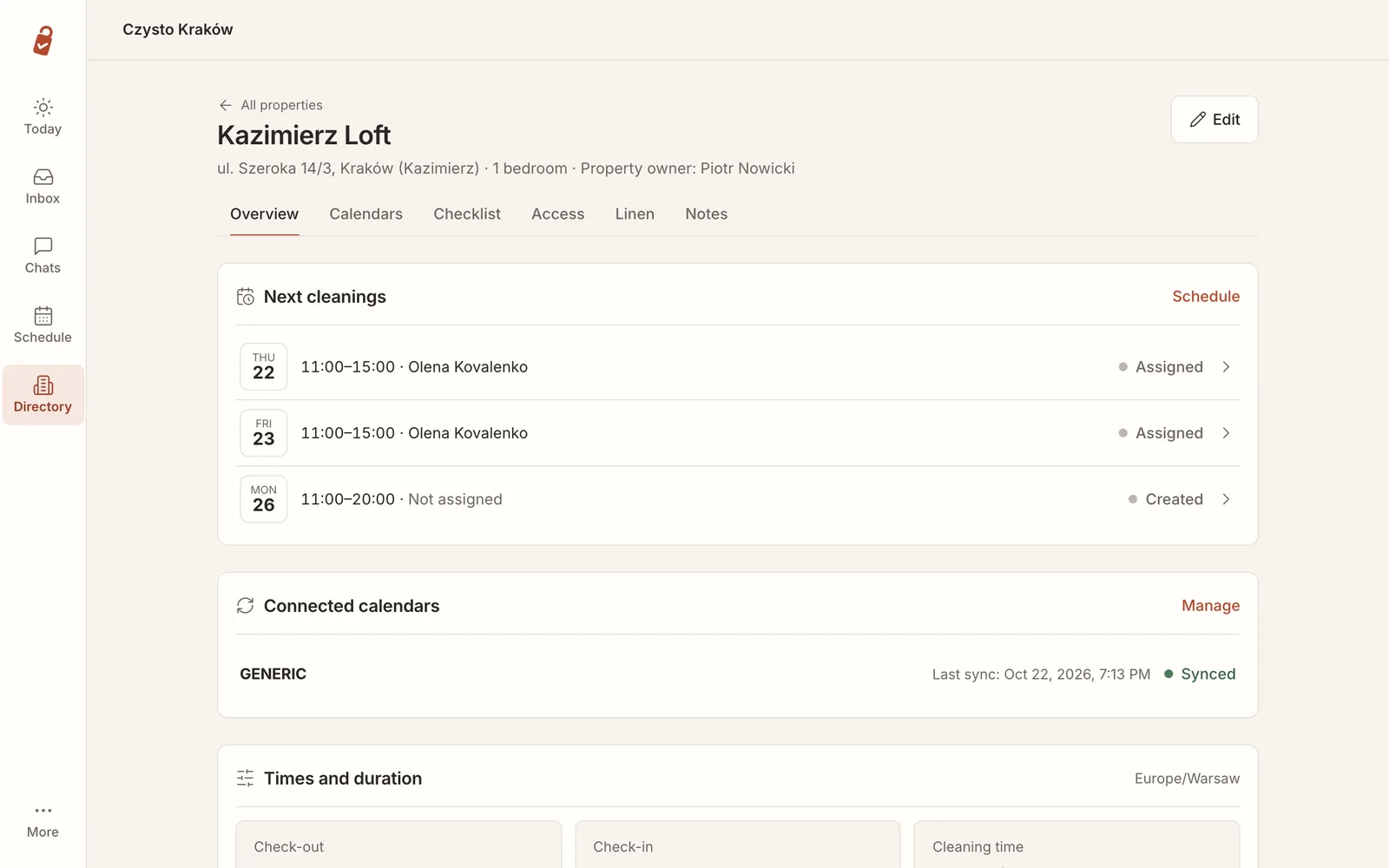
The apartment also holds the access details (key box, smart lock, concierge). Codes are stored encrypted. A cleaner sees one only on the day of the cleaning, and every time it is shown is logged.
2. Add your cleaners
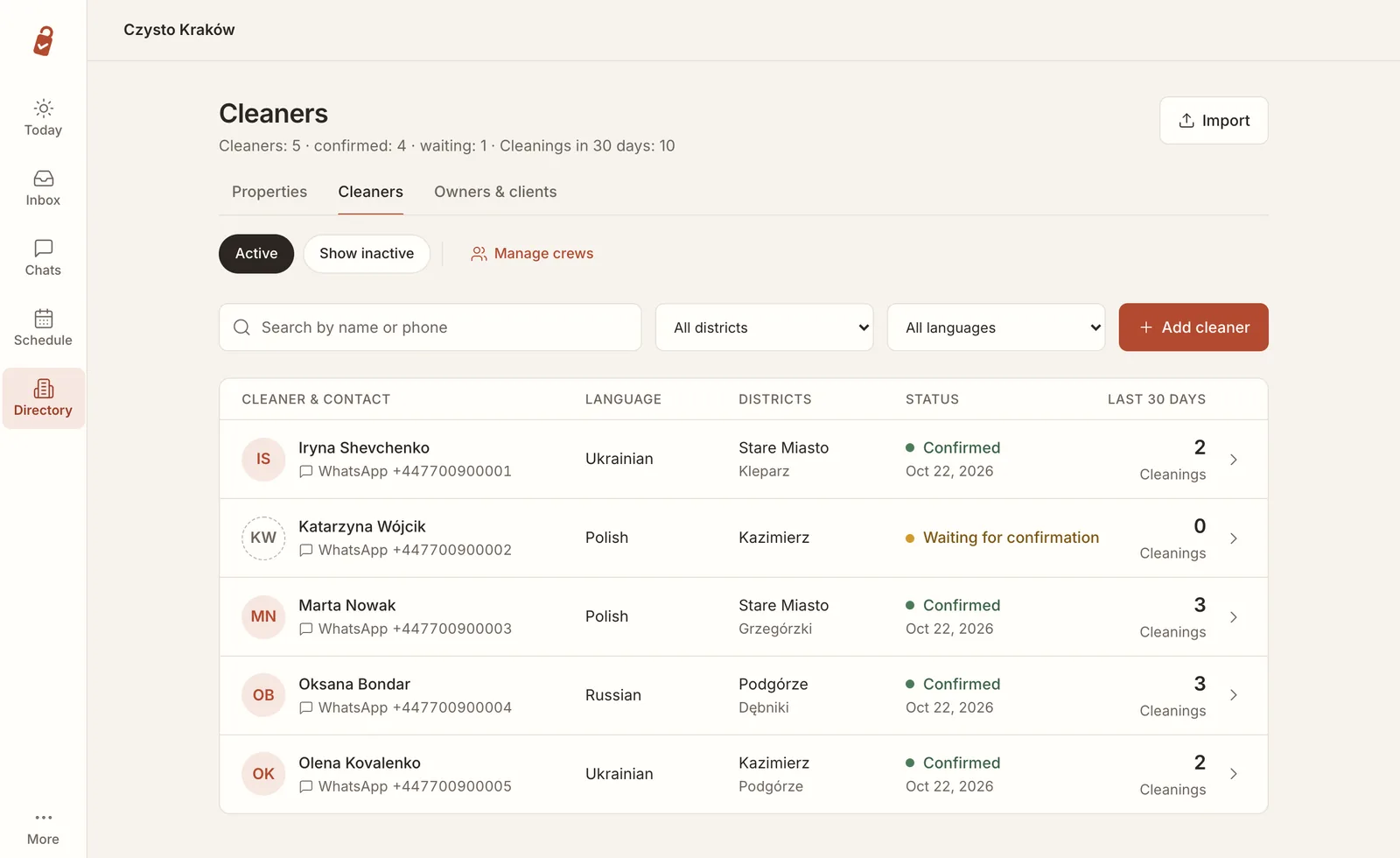
Each cleaner needs a name, a WhatsApp number, the language they read best and the districts they work in. Readyby then sends them one WhatsApp message asking to confirm. Until they reply, they show as Waiting for confirmation and get no work messages: that is WhatsApp's rule, and it protects your number.
3. Checklists
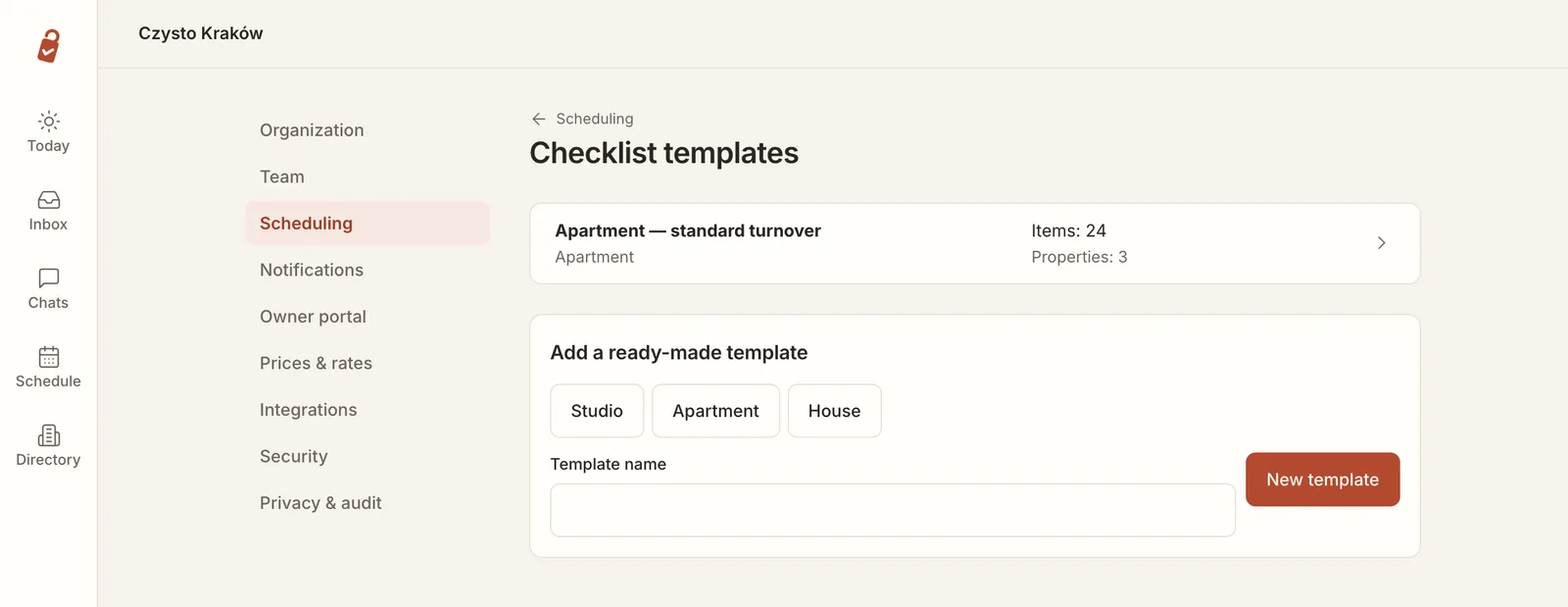
Start from a ready-made checklist for a studio, an apartment or a house, then edit the rooms and items. Mark the items that need a photo, such as the made bed or the bathroom, and attach the checklist to your apartments.
4. Plan the schedule
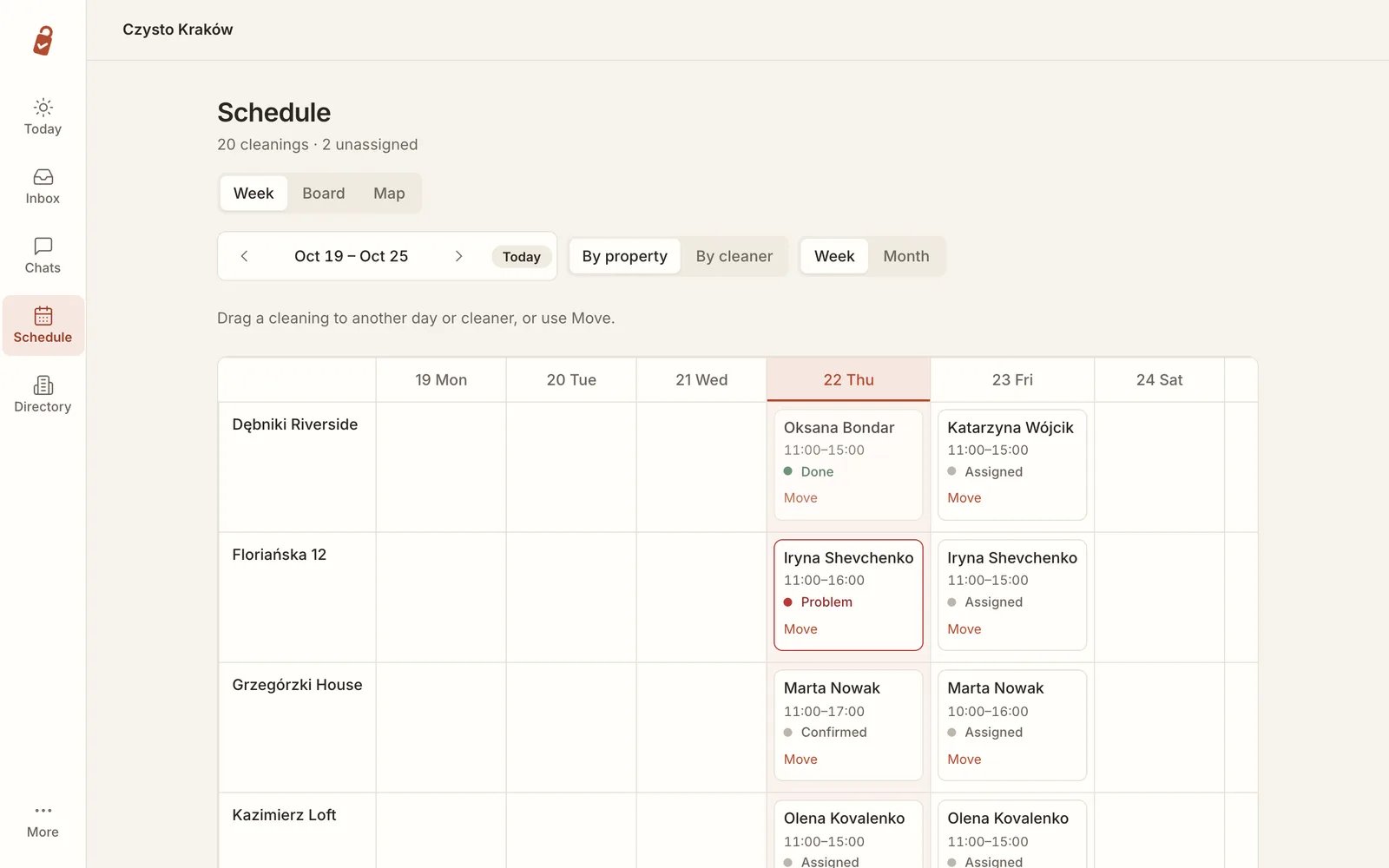
The week view shows every cleaning by apartment or by cleaner. Drag a cleaning to another day or cleaner, or use Move.
The board shows one day per cleaner: their cleanings on a timeline, how many minutes are booked and the free windows left. Cleanings nobody has taken yet sit at the top.
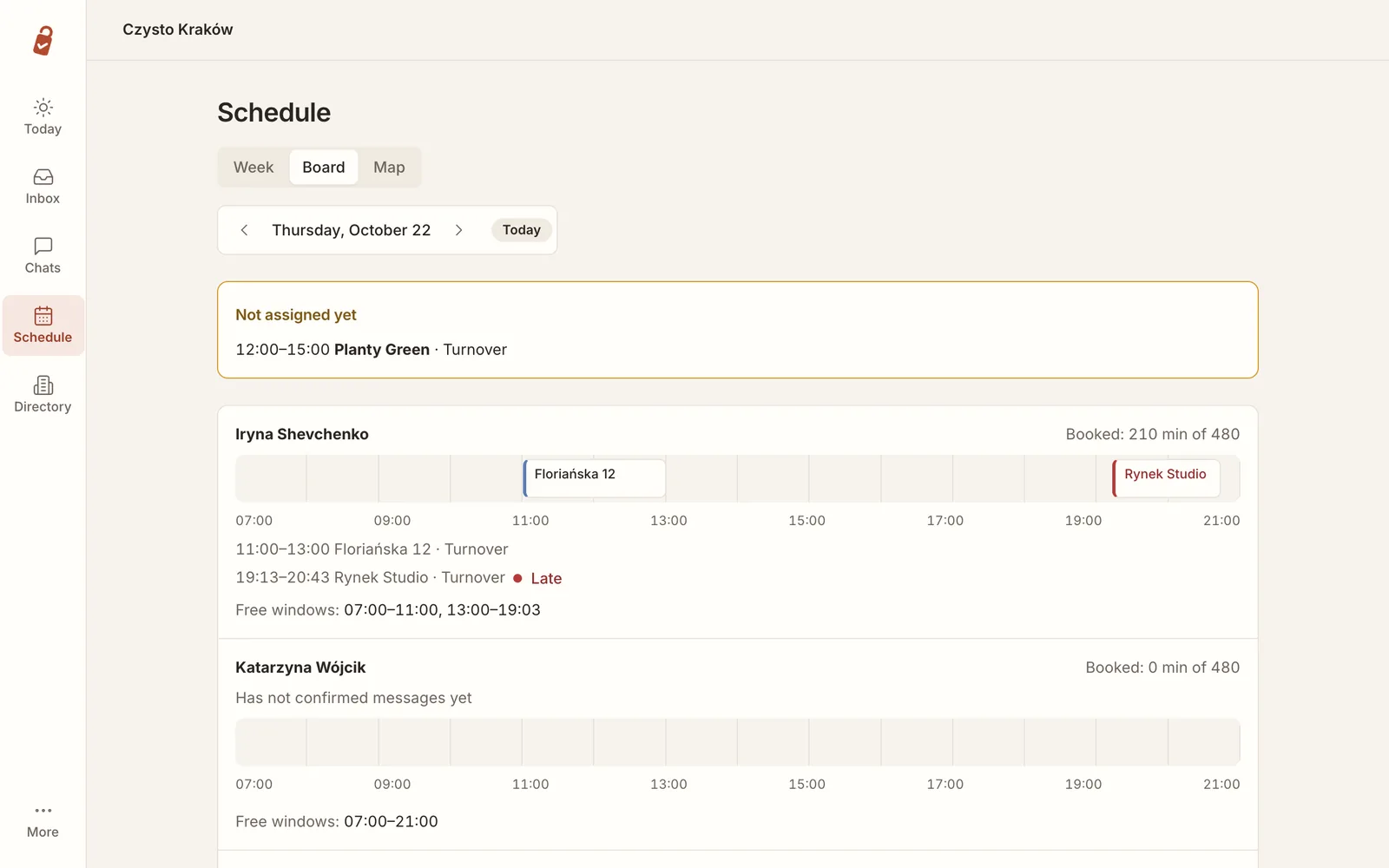
Suggest a cleaner proposes people who are free in that window and work in that district. You choose how much Readyby does on its own: Manual (it only suggests), Semi-automatic (it assigns and you can change it before the messages go out) or Automatic (it assigns and messages the cleaner).
5. Run the day from Today
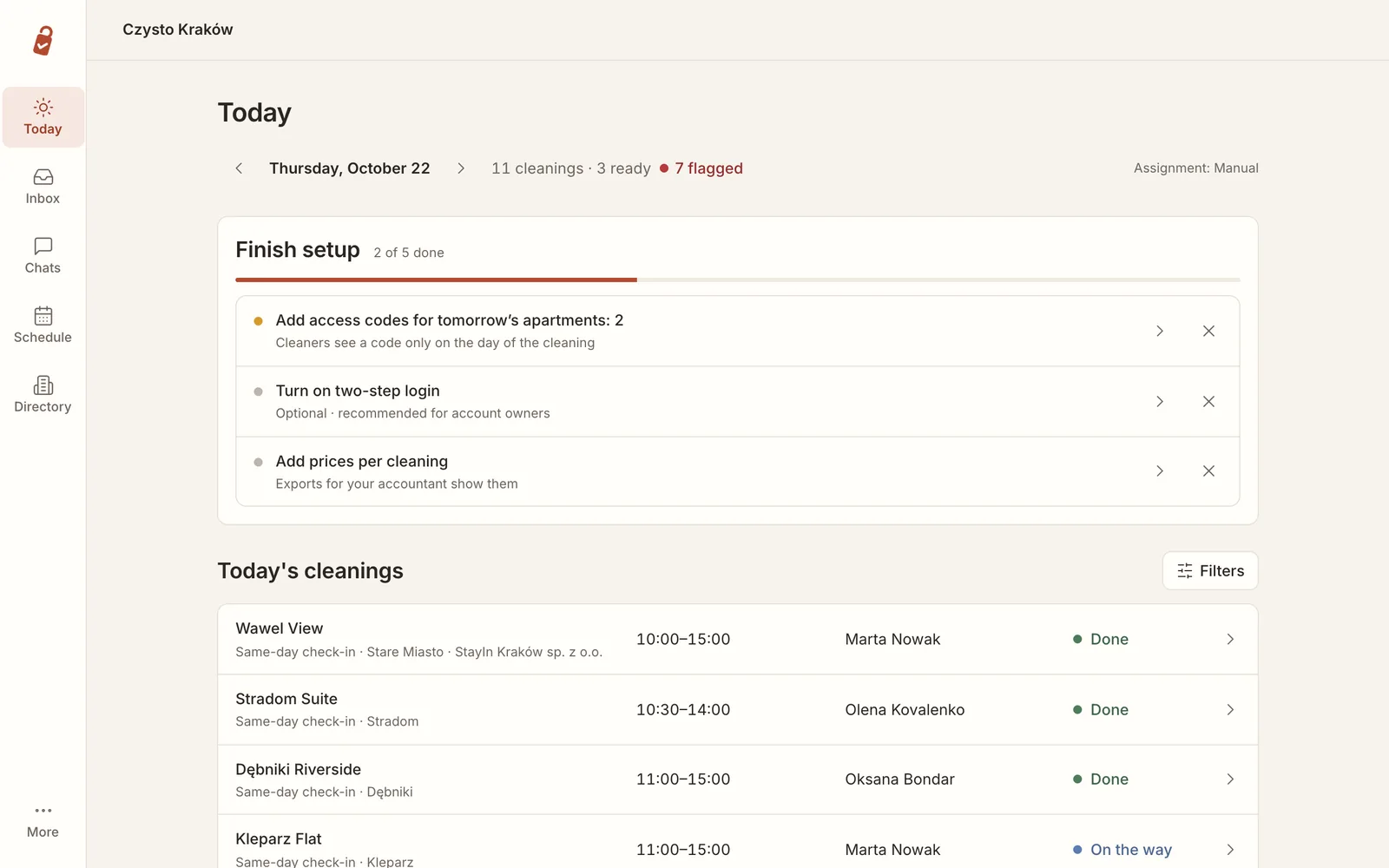
Today lists every cleaning of the day with its cleaner and status. At the top you see how many are ready and how many are flagged.
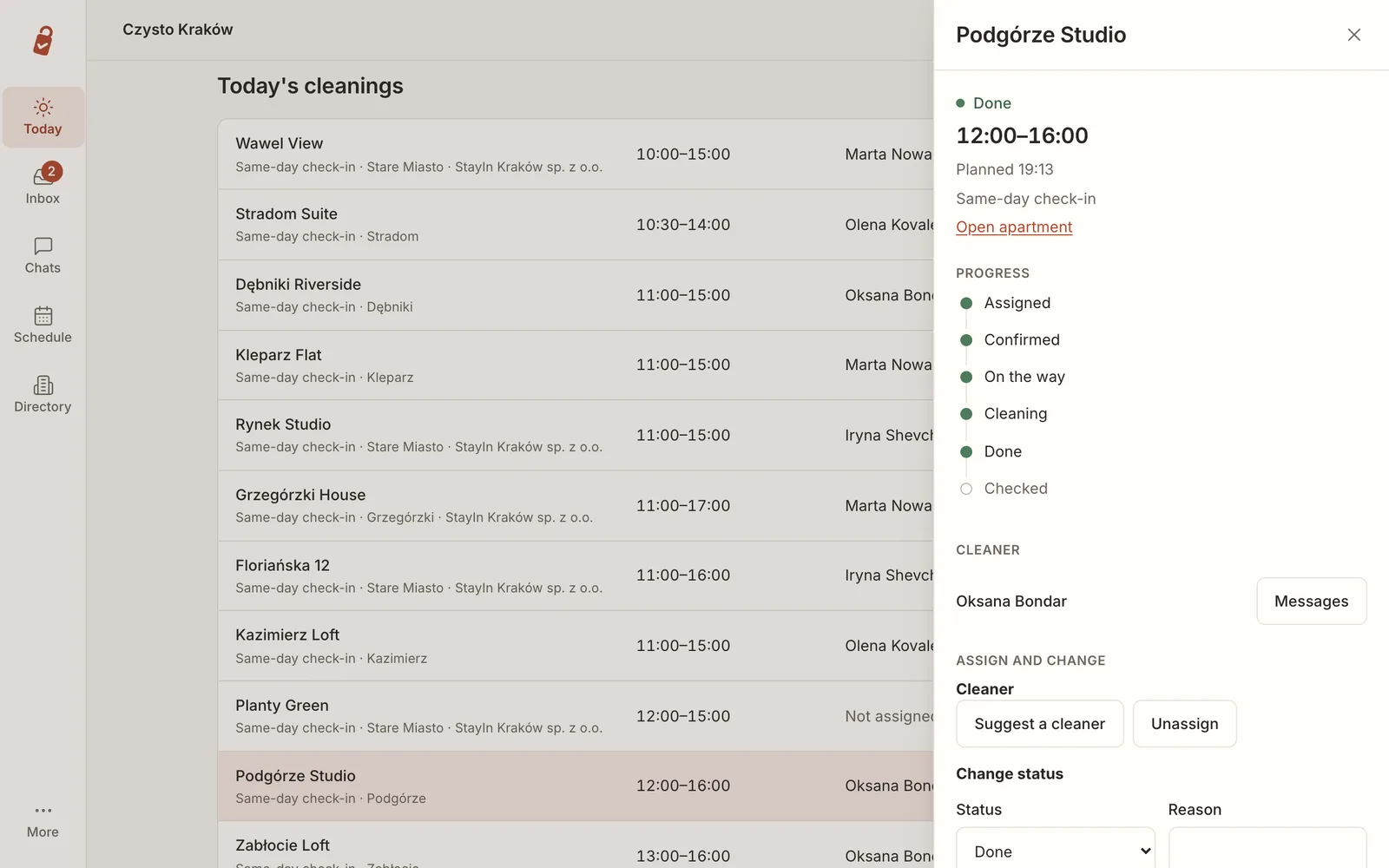
Open a cleaning to see where it stands, from Assigned through Confirmed, On the way and Cleaning to Done. From there you can message the cleaner, ask for a suggestion, unassign or change the status with a reason.
6. Inbox: only what needs you
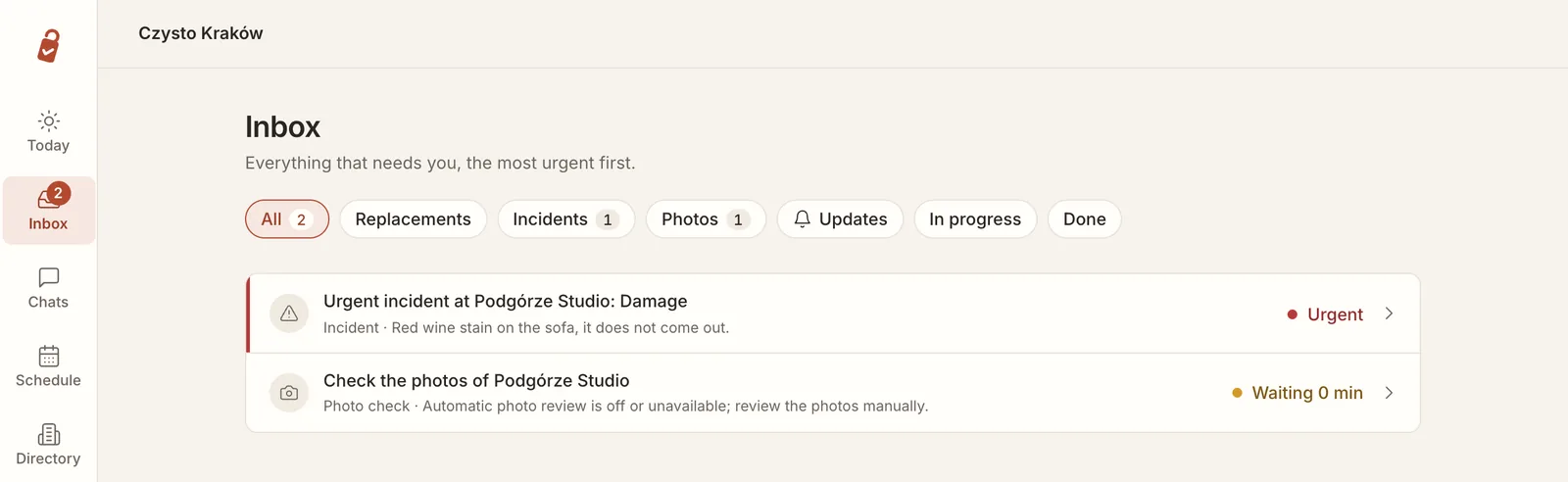
The coordinator handles routine questions in WhatsApp. Anything that needs a decision lands in the Inbox: replacements when a cleaner cannot come, incidents, photos to check and changes to approve. Urgent items come first.
7. Chats
Every WhatsApp conversation with your team is in Chats. The AI coordinator replies on its own until you press Take over. You can write in your language and send it translated into the cleaner's language.
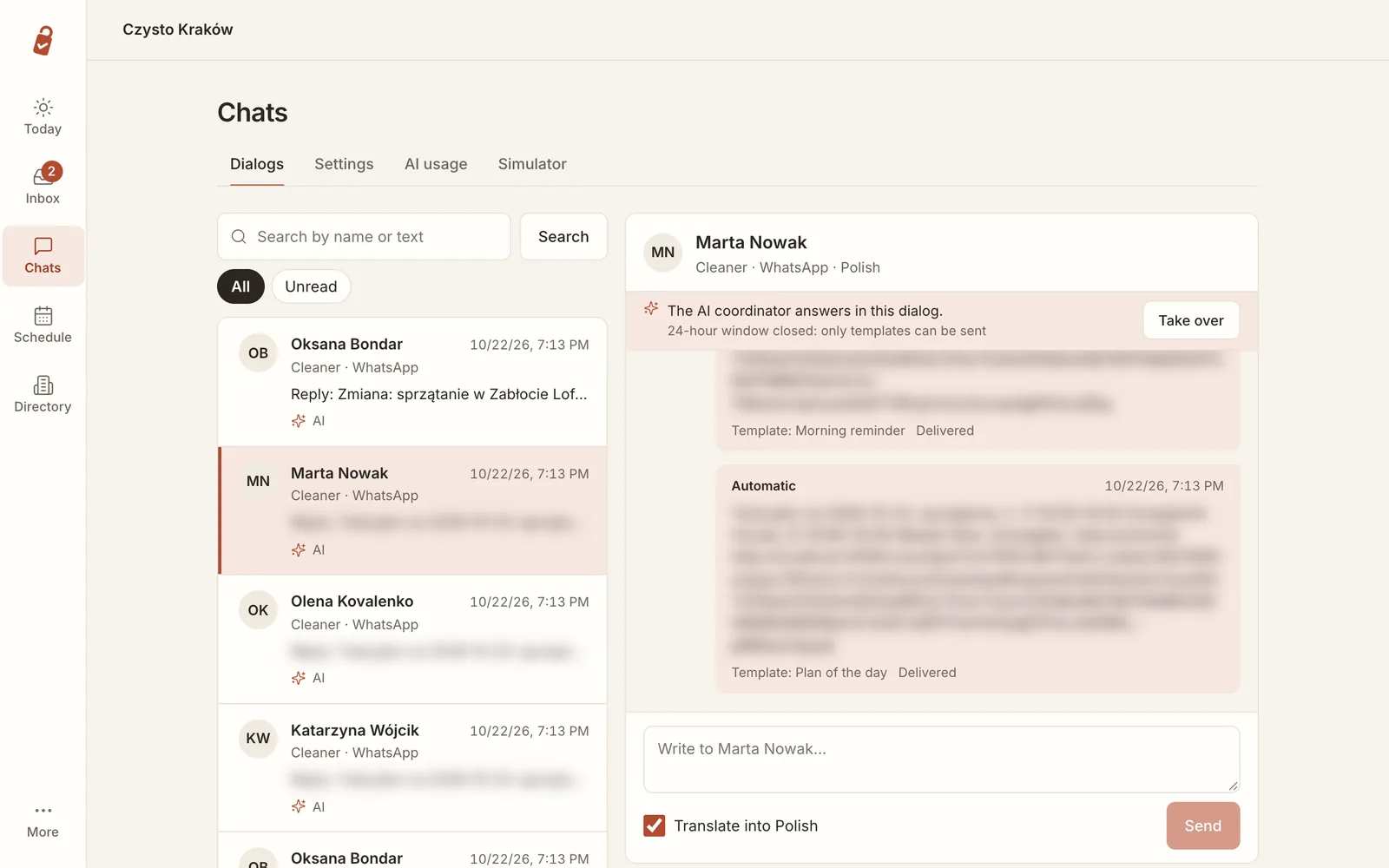
WhatsApp only allows free text within 24 hours of the cleaner's last message. After that, Readyby sends approved templates (the morning plan, a change, a cancellation), and those always get through.
8. Reports and exports
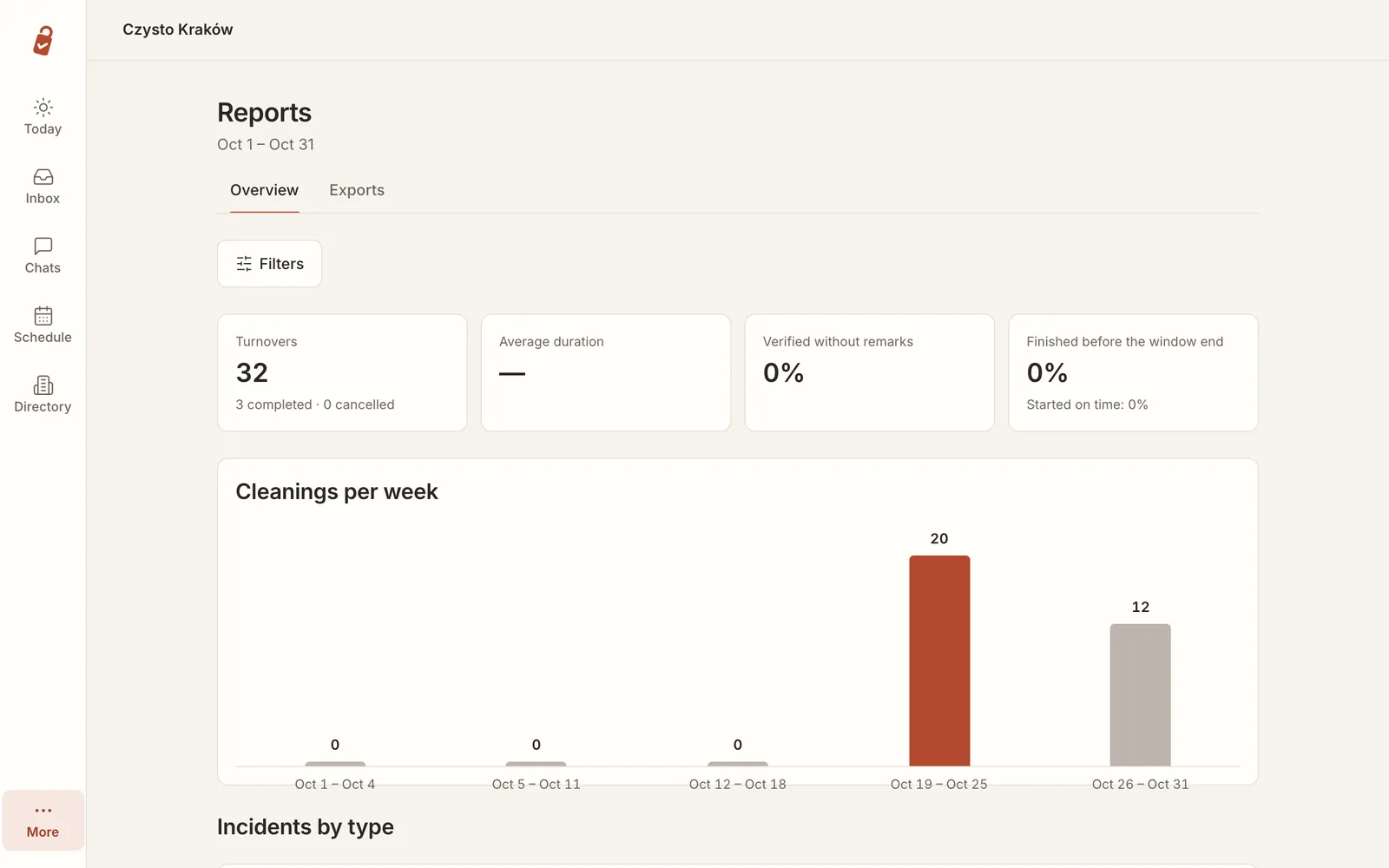
Reports shows cleanings per week, average duration and how many were finished on time. Exports produces files for your accountant: cleanings per client and apartment with your prices, cleaners' hours and pay, incidents and extra work, linen and supplies. Readyby does not issue invoices or calculate taxes.
Далі: For cleaners: WhatsApp and one link, nothing to install →