Эта страница ещё не переведена, поэтому вы читаете английскую версию.
For property owners: a portal and a photo report
Owners see whether their apartment is ready for the next guest and get a report with photos after each cleaning, without calling you.
Owners get a personal portal link from you. There is no password: they sign in with a code sent to their email.
Inviting an owner
In Settings → Owner portal, choose how often each owner gets a report (after each cleaning, weekly, monthly or never) and how it is sent. Then send them the portal link. You also decide whether owners see cleaners' names. If you hide them, the portal shows "Cleaner of" and your company name.
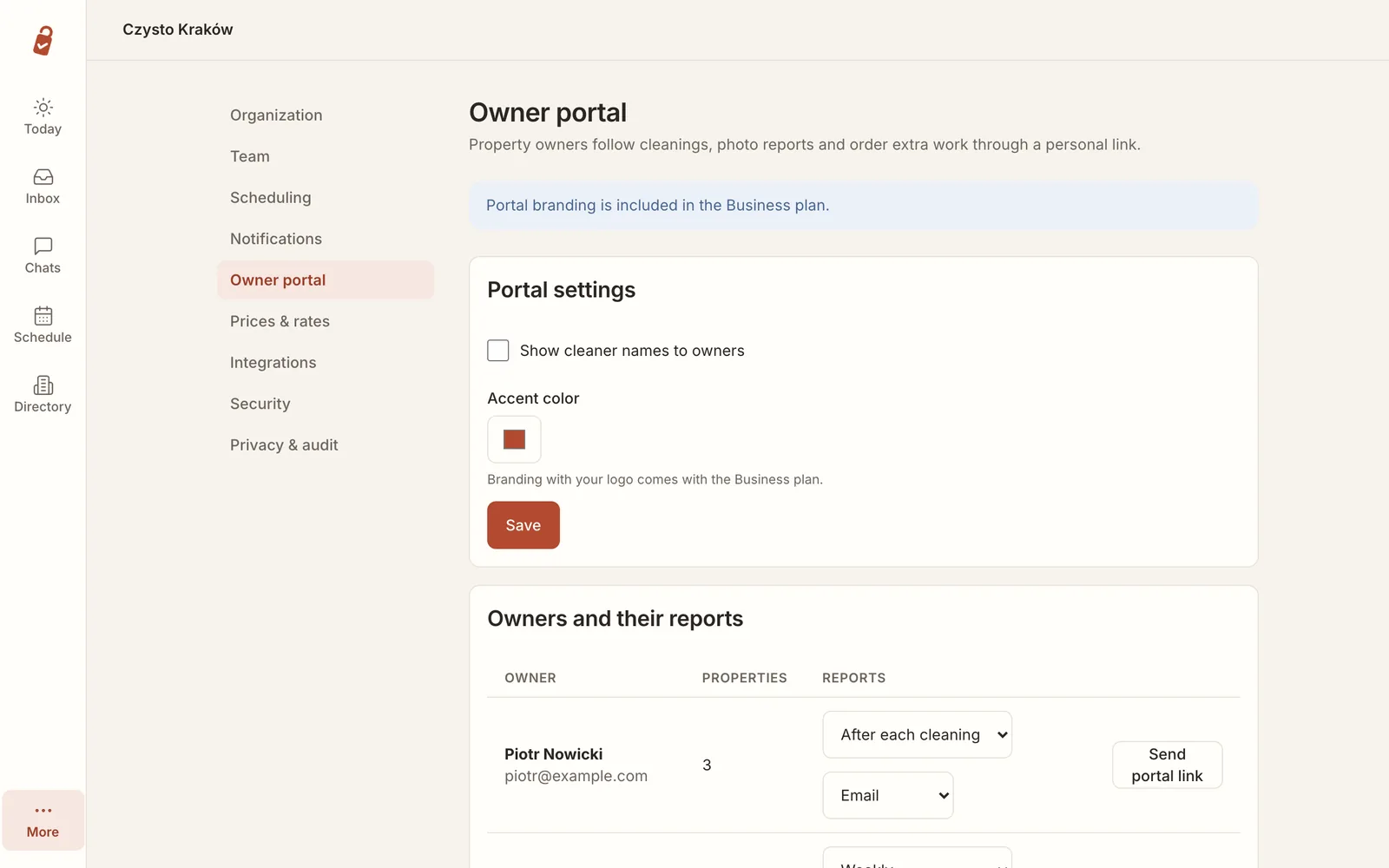
The owner portal is part of the Pro plan.
Signing in
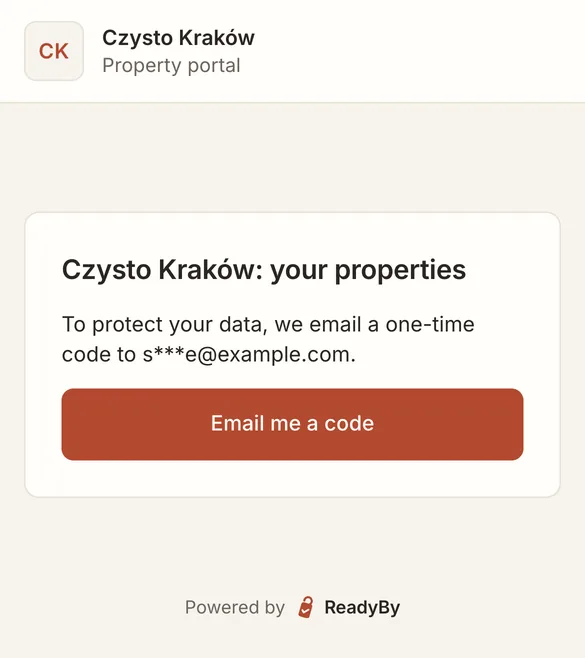
The link opens a page that sends a one-time code to the owner's email address. The address is partly hidden on screen.
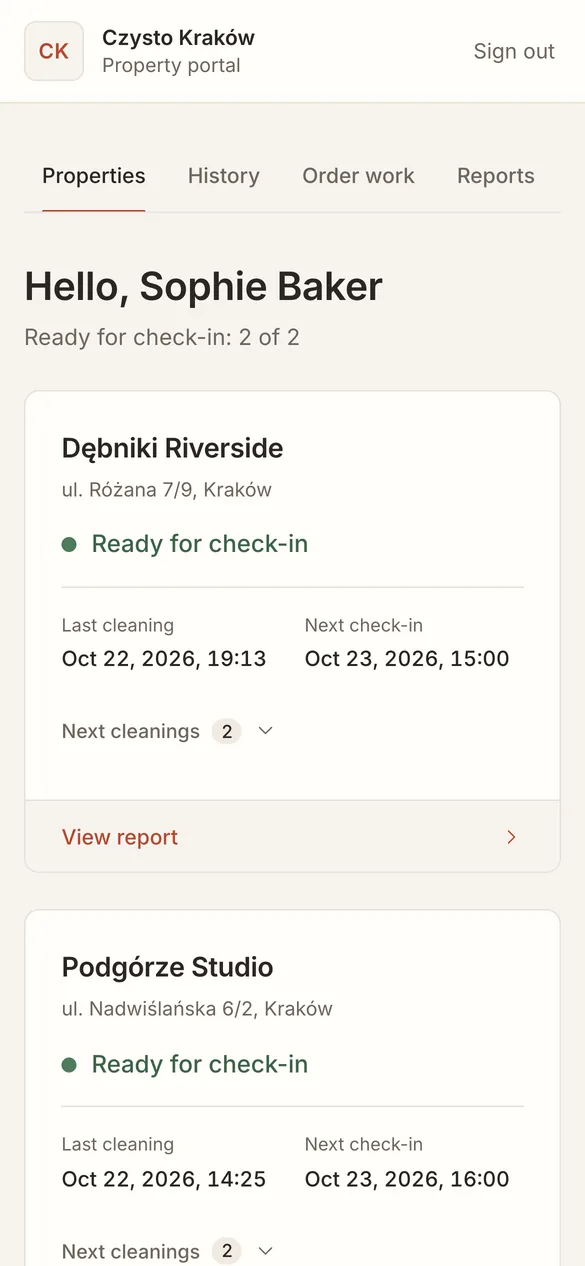
Their apartments at a glance
Each apartment shows whether it is ready for check-in or the cleaning is still pending, when it was last cleaned, when the next guest arrives and the next cleanings.
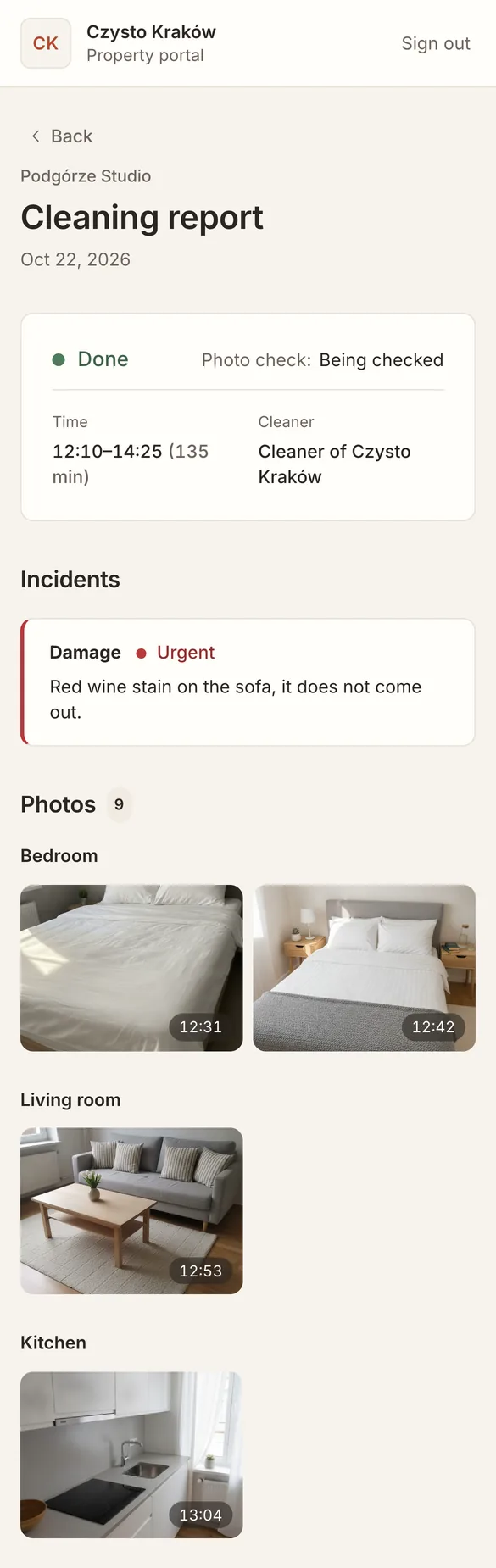
The cleaning report
After each cleaning the report shows when it was done, whether the photos have been checked, any incidents and the photos room by room.
Owners can also go through past reports and order extra work from the portal: a deep clean, a repair or a delivery.
What owners do not see
Owners see only their own apartments. They never see access codes, other owners' apartments or anything about your guests, because Readyby keeps no guest names or contact details in the first place.